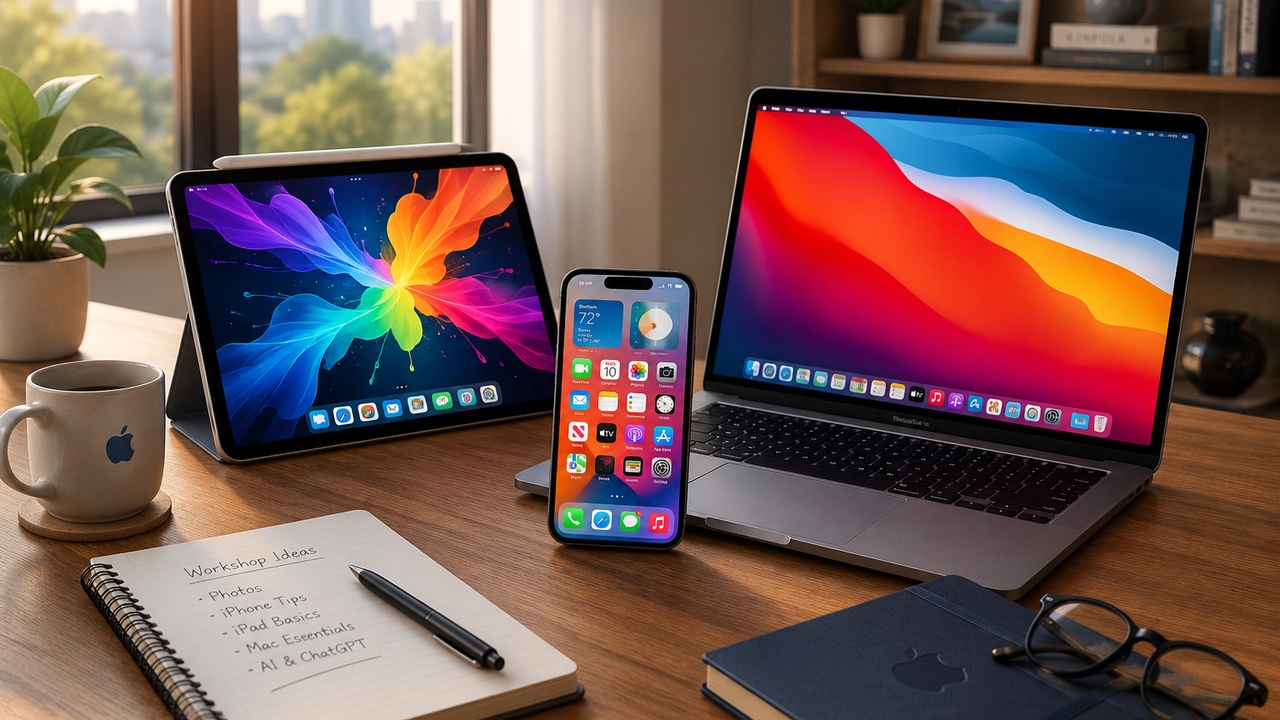
Apple Devices
Learn the Apple devices you use every day.
Patient, practical training for your iPhone, iPad, and Mac laptop—with guidance tailored to the way you use them.
📱
iPhone
Get comfortable with the features you use every day—from Settings and Messages to Safari, Photos, privacy, accessibility, and useful shortcuts.
📱
iPad
Learn navigation, multitasking, apps, photos, settings, and the features that make your iPad easier and more enjoyable to use.
💻
Mac
Build confidence with your Mac laptop—from the desktop, Dock, Finder, and files to Safari, Mail, Photos, Settings, and shortcuts.
One-on-One Training
Bring your device. Bring your questions.
We can focus on the Apple device—or combination of devices—that you use most. Training is step-by-step, practical, and at your pace.
📅 Book a Session